Platform
Article improvements from Search Console
New articles are only half of a content programme. The other half is the piece that has been sitting at position 11 for two months and needs four hundred words and a better title.
What an improvement is#
A task attached to one published article, raised from your own Search Console data, with the evidence that raised it. Improvements come with the Scale plan and up. Two kinds:
| Kind | Raised when | What it proposes |
|---|---|---|
| Edge of the first page | The page averages position 8 to 20 for a query with real impressions. | Deepen the sections that answer that query, tighten the title, and add the question as an H2. |
| Click recovery | Impressions held steady but clicks fell over the last 28 days against the 28 before. | Rewrite the title and meta description; the ranking is intact and the result stopped being clicked. |
No Search Console, no improvements. Every one of these is a comparison of your real numbers over two real windows. Without the connection there is nothing to compare, and inventing a reason to rewrite a page would be worse than proposing nothing.
Connecting Search Console#
- Open Settings → Search Console and click Connect Google.
- Sign in with a Google account that has at least Full access to the property. Restricted users can read performance data, which is all we ask for.
- Pick the property that matches the site. A domain property covers every subdomain; a URL-prefix property must match the scheme and host exactly.
- Wait for the first sync. It pulls the last 16 months, which takes a few minutes.
We request read-only Search Console scope and nothing else. The connection can be revoked from your Google account at any time; improvements stop being raised and nothing else in the product changes.
At most two a week#
The cap is the feature. A tool that raises fourteen improvements a week produces a backlog nobody reads and a site whose every page was rewritten last month, which is both expensive and a reasonable way to lose the rankings you had.
So: two per product per week, the two with the most impressions behind them. If neither of this week’s candidates clears the evidence floor, none are raised. An empty inbox means there was nothing worth doing, not that the feature is broken.
The inbox, and what you do with it#
Improvements in the sidebar lists what has been raised, each with the query, the position, the impressions and the click change that produced it. From there:
| Action | What happens |
|---|---|
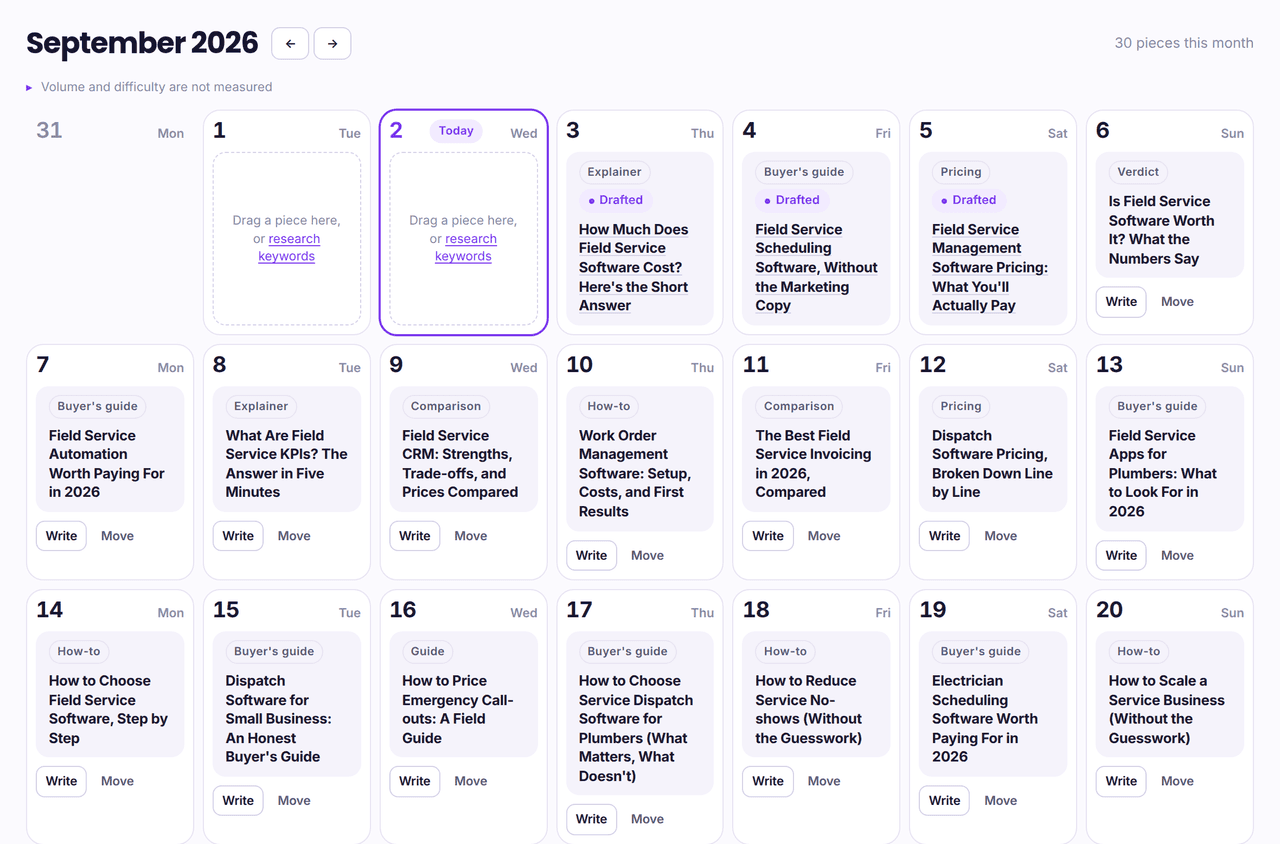
| Schedule | Drag it onto a date in the calendar. It runs that morning with everything else. |
| Run now | The rewrite is produced immediately and lands in your drafts. |
| Dismiss | It goes away and is not raised again for that page for 90 days. |
Review, or push it live#
Per product, in Settings → Output:
| Setting | Behaviour |
|---|---|
| Review before publishing (off by default) | When on, the rewrite waits in the inbox with the diff against the live version until you accept or reject it. |
| Push automatically | The rewrite is published to the same CMS post the original went to, updating it rather than creating a second one. |
An improvement always updates the existing post: same URL, same id, same comments. It never publishes a near-duplicate at a second address, which would compete with the page it was meant to help.
A rewrite edits an article that has already passed the fifteen on-page checks, and the sections it changed are what you review, the checks are not re-run over the result, so an improvement is reviewed rather than re-scored.
From the API#
Improvements are article writes like any other: the rewrite arrives at your CMS through the connection you already have, and the webhook event for it is update_article, matched on the article’s slug or on the id your system returned the first time. See the webhook documentation.